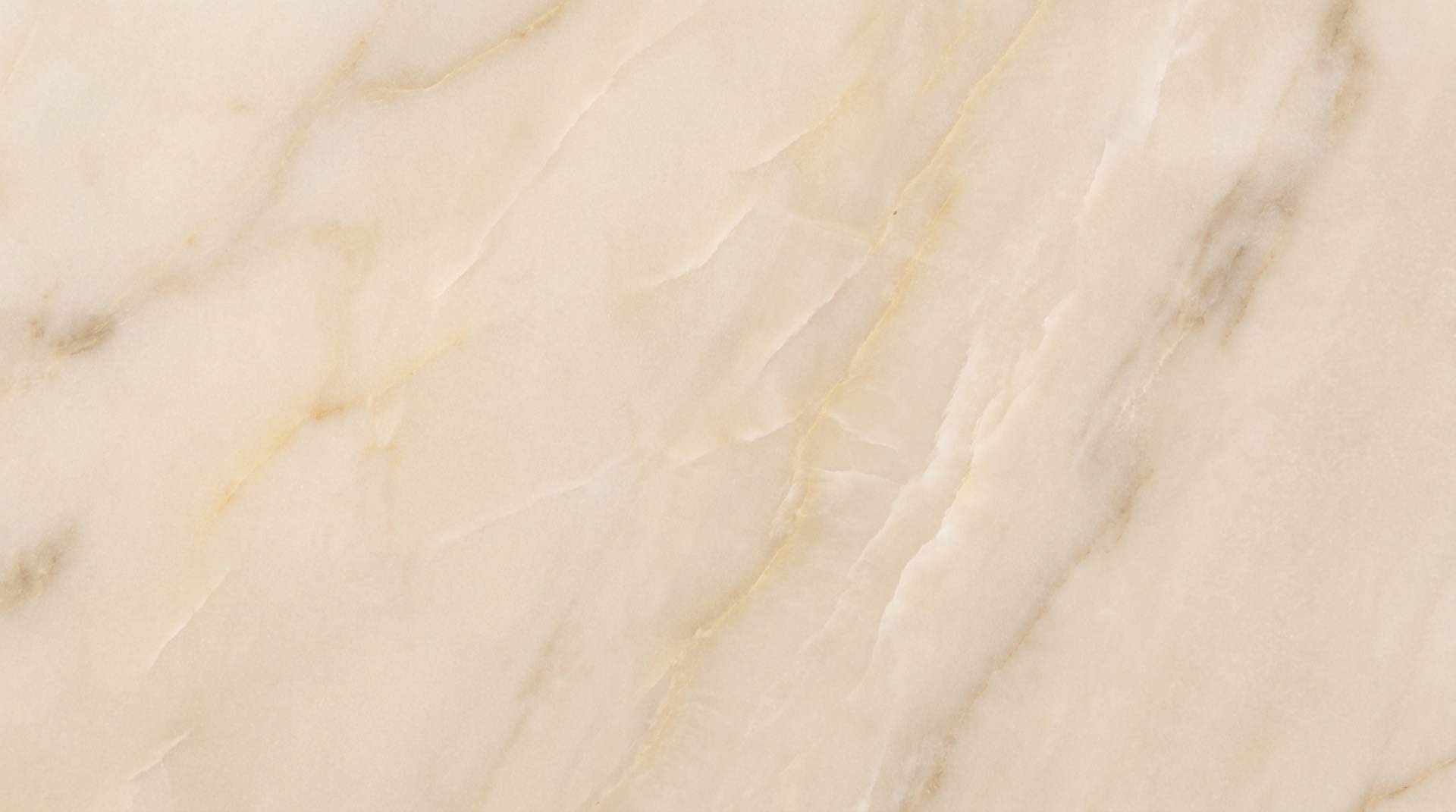
Choosing stone for desks, credenzas and built-in worktops: material, finish and glare, cable openings, support and using remnants.
A home office can be a quiet writing room, a full-time workstation, a family command center or a studio where you meet clients. Choose the stone for the work that will actually happen there. Note whether the desk will hold monitors, hot drinks, drawing tools, samples, a printer or piles of paper, because those habits decide the right material, finish, thickness and edge.
Where stone earns its place
Stone is most useful where it adds durability or a clean architectural line. A fitted desk can run wall to wall without visible brackets. A credenza top protects painted millwork from coffee, plants and equipment. A window ledge can become a continuous shelf. In a library or studio, a remnant can make a compact worktop with the character of a full slab project.
The best offices tend to use stone in one or two places. A single well-detailed work surface usually does more than stone on every horizontal plane.
Choose the material by how it performs
Granite and quartzite suit desks that get heavy daily use. They resist scratching and tolerate heat better than resin-bound surfaces, and honed finishes cut glare from windows and task lights, which is easier on the eyes beside a screen.
Marble brings a softer, more residential character, but it can etch when coffee, citrus or cleaning products touch it. Some people don't mind that in a study and others find it distracting. Soapstone resists heat and acid, feels warm to the touch and is easy to refresh with oil, though it will scratch and develop a visible patina.
Engineered quartz gives a consistent pattern and simple upkeep indoors. Keep hot equipment off it, and don't use it for a desk that sits in strong, long hours of sunlight. Porcelain is thin, very resistant to stains and sunlight, and useful for modern millwork, but its edges and impact protection need careful detailing.
Control glare and visual noise
Finish matters more in an office than most people expect. Highly polished stone reflects windows, lamps and monitor light, while a honed, leathered or matte surface is calmer for long work sessions. Our honed vs. polished guide explains the difference.
Pattern scale matters too. Dramatic veining can look great on a meeting table or a credenza seen from across the room, but directly under a keyboard and papers, a quieter stone is usually easier to work on. If a bold slab is central to the design, place the strongest movement where it will still show once the equipment is in.
Plan cable and equipment openings before templating
Design cable management with the millwork instead of drilling holes afterward. Confirm where outlets, charging hubs, monitor arms, printer cables and floor boxes go before the stone is fabricated.
- Size grommet holes for the actual fittings.
- Keep openings clear of cabinet partitions and drawer slides.
- Confirm the clamping depth your monitor arms need.
- Leave service access for power strips and data connections.
- Plan ventilation around computers, printers and chargers.
A cable opening cut in the shop with a finished inside edge looks planned. A hole drilled after installation rarely does.
Get the desk depth and edge right
Most office worktops need enough depth for equipment while keeping everything within comfortable reach. The final dimension depends on the cabinetry, the walls and how the room will be used. Template only after built-ins are installed, level and secured.
An eased edge is a dependable choice for a desk because it's comfortable against your forearms and visually quiet, and a small radius softens the contact point further. Mitred build-ups give a thicker architectural profile but need space and precise fabrication. Avoid sharp lower edges where knees or chair arms might hit. Our edge profiles page shows the options.
Support the slab properly
Stone is strong in compression but can crack when a long span is left unsupported. Floating desks, knee spaces and equipment cutouts need concealed steel or properly designed cabinetry. Settle the support before templating so brackets don't clash with seams, drawers or cable routes.
Large overhangs and narrow strips of stone around cutouts need particular attention, so the fabricator should see the full millwork drawings, not only the top dimensions.
Consider remnants for smaller workspaces
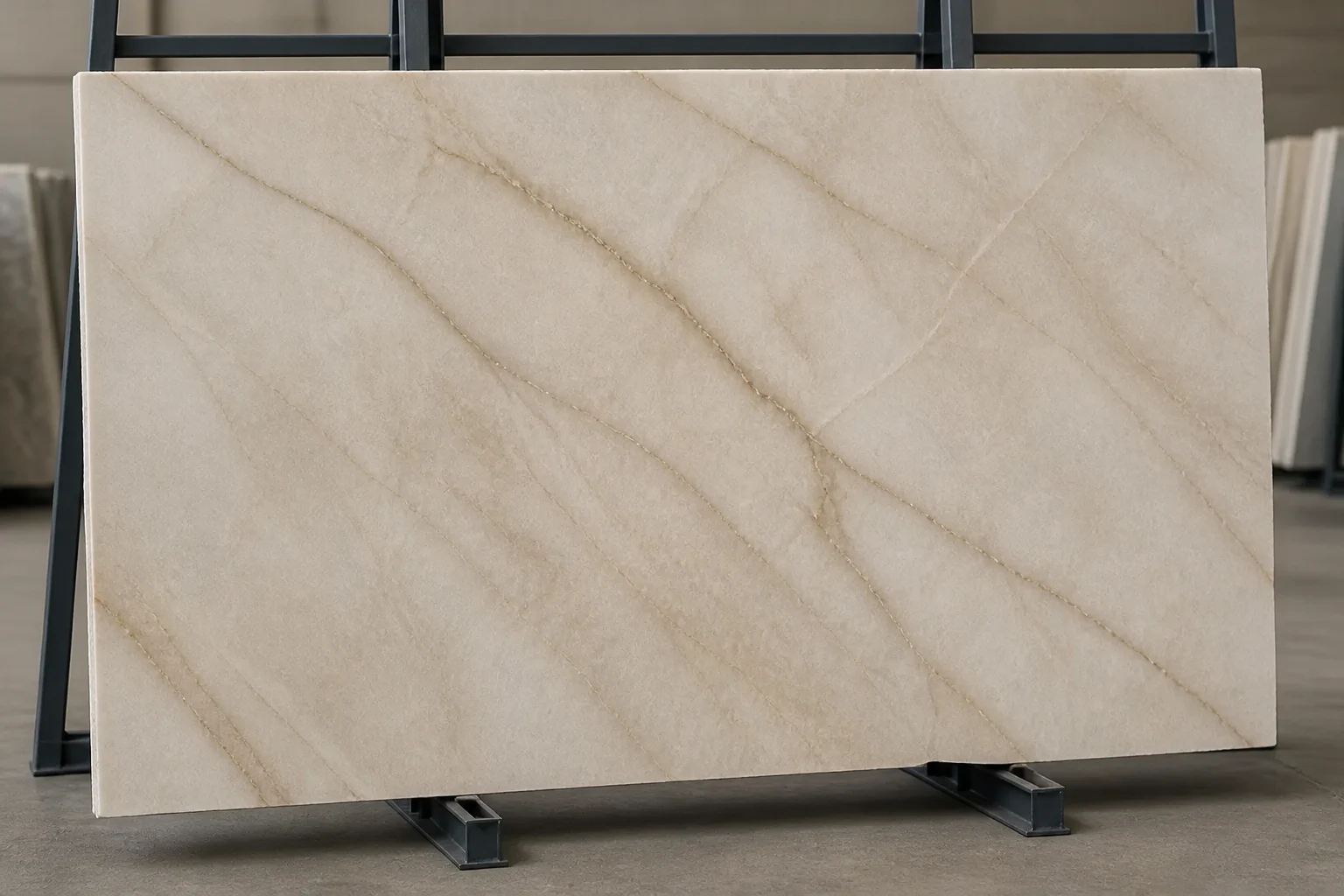
A home office is one of the best uses for a remnant. Desks, printer counters, shelves and credenza tops often fit pieces left from larger jobs, which gives you distinctive marble, quartzite, granite or soapstone without buying a full slab.
Choose the piece in person and confirm that its usable dimensions include fabrication allowances. A remnant with the right proportions can even guide the cabinetry design, which keeps waste and cost down. Our guide to using stone remnants has more ideas.
Coordinate the office with the rest of the house
The office doesn't need to repeat the kitchen stone exactly. Sharing an undertone, finish or edge profile is enough to make the rooms feel related. A kitchen remnant makes a direct connection, and a contrasting stone can work when the millwork and metals stay within the house's palette.
Bring cabinet samples, flooring, paint, hardware and lighting information when you choose the piece. Stone changes under daylight and warm lamps, so look at it in the light you'll actually work in.
A practical checklist
Before approving fabrication, confirm the material, finish, thickness, edge, support, seams, cable openings, overhangs, wall scribes and installation access. Note where the equipment will sit and check that doors, drawers and chairs clear the finished stone.
We can review your millwork drawings, help you choose a full slab or a remnant, template the installed cabinetry, and fabricate the openings and edges as one package. Get in touch to start.